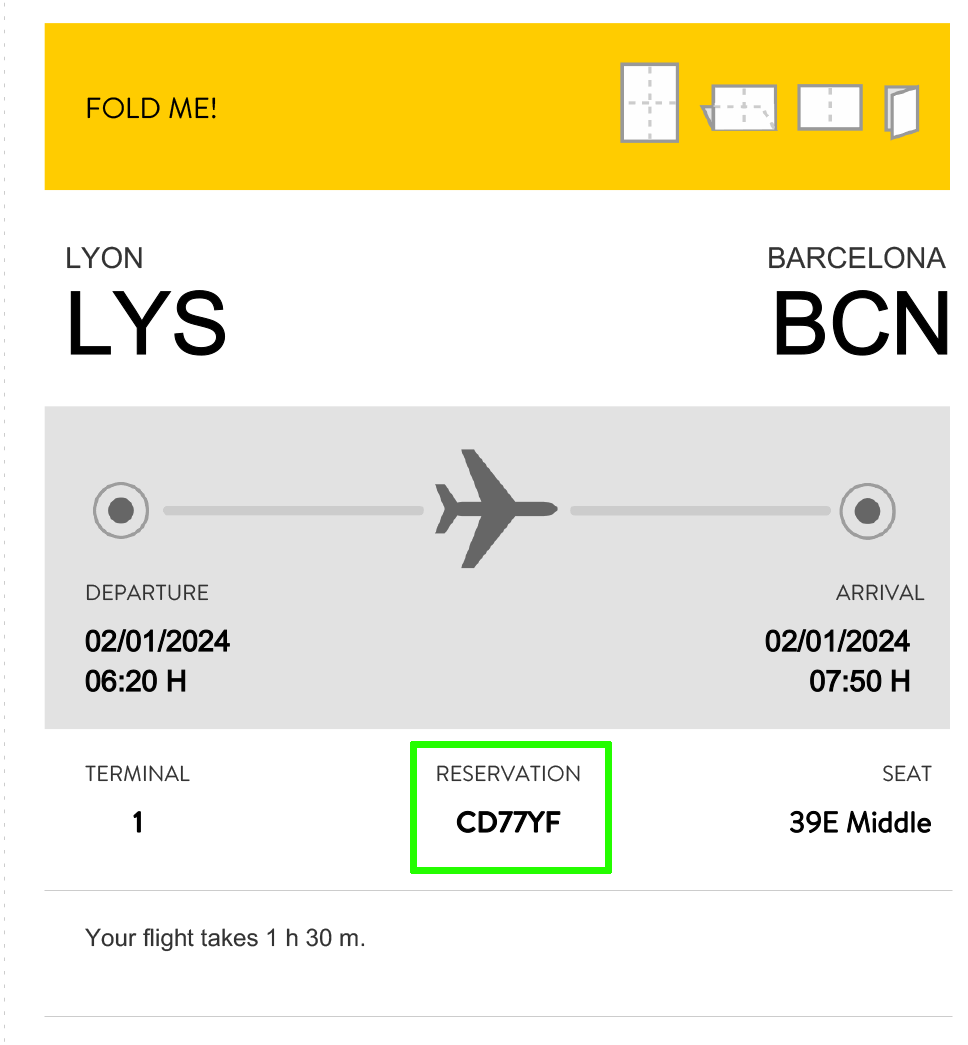
Flight Check
Flight Information
Please enter your flight details to continue
Please enter your flight details to continue
To avoid duplicate requests, only one voucher should be submitted per group (family, friends, or couple).
If several members submit separately, you could be assigned to different hotels and separated.
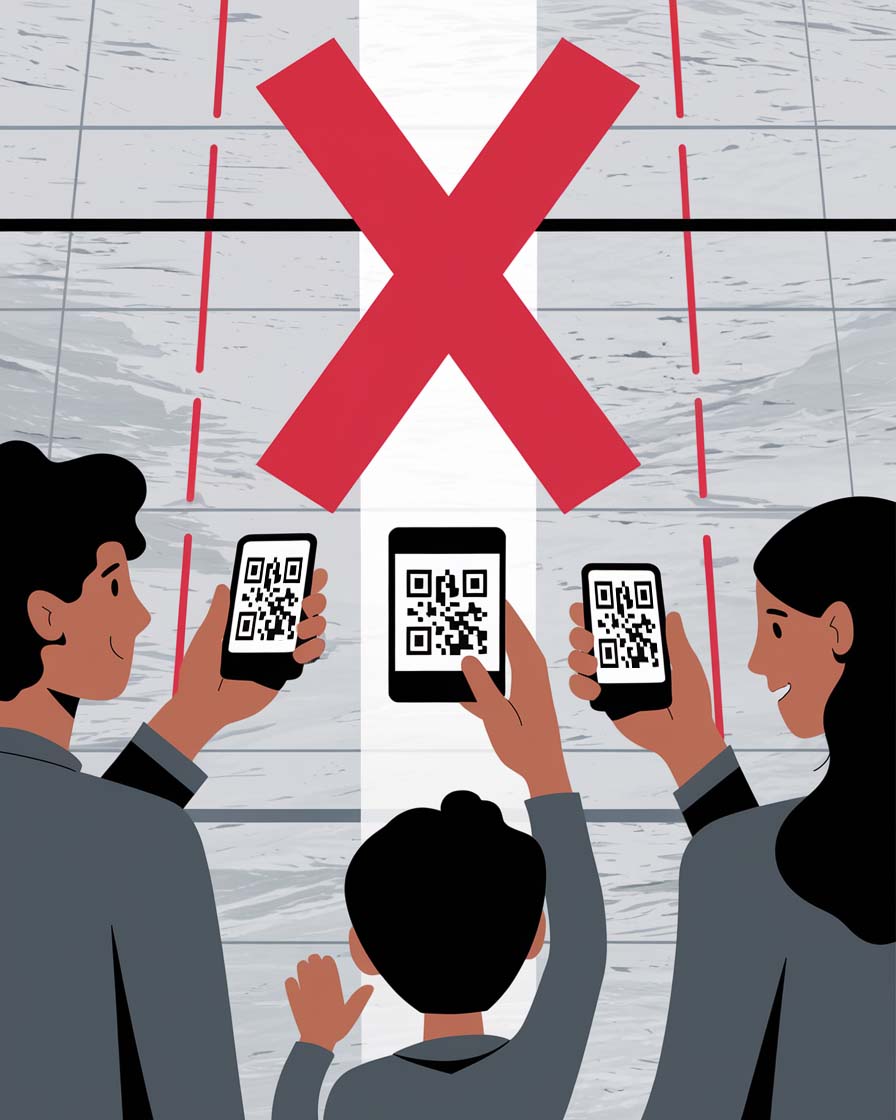
Don't: Multiple members submitting separately
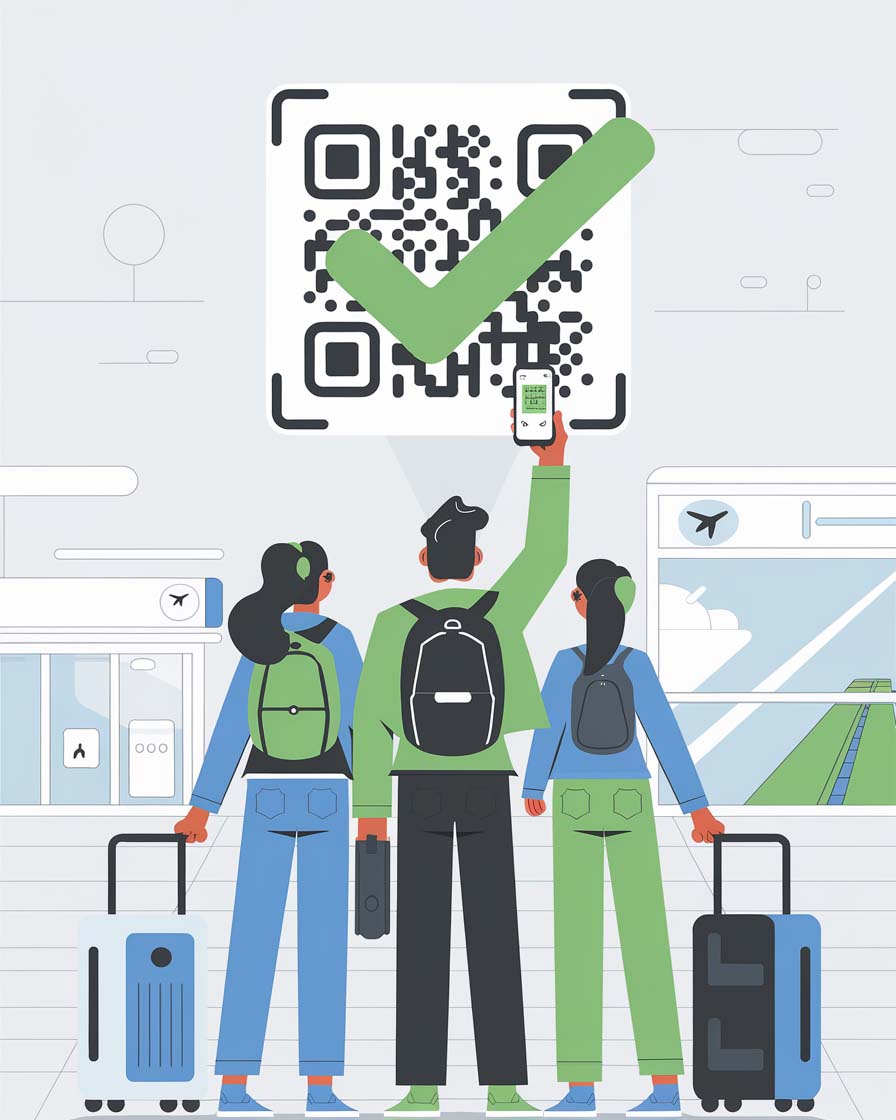
OK: One person submits for the group
Your Vueling PNR is a 6-character alphanumeric booking code that identifies your reservation.
All passengers included in the same booking share the same PNR. It is used together with your departure airport to manage your trip, check in online and download your boarding passes.
AB12CD,
G7H3J9
You can find your PNR in several places:
When you enter your flight number starting with VY, we will ask for this code to confirm that your request matches your actual booking and to avoid mistakes in your accommodation assignment.